
The Best Email Aliasing Providers in 2026
It's time to reclaim your inbox. Don't let spammers and data breaches win and give in to the clutter.

The last time I wrote this category of review, I said that "email aliasing is one of the most underrated privacy techniques that has yet to go mainstream." Since then, we've seen a sharp rise in the number of email aliasing services which potentially suggests a growing demand, so maybe that's finally changing.
Of course, not all tools are equally appropriate for every use case, so this week let's examine some of the newcomers on the scene (as well as the veterans) and where their strengths lie.
What Is Email Aliasing?
Email aliasing is - to define it simply - using masked email addresses that forward to your main inbox. It's not the same using different email addresses for different purposes - such as one for work and one for personal. You still manage your emails from one inbox, but from the outside it looks as if you have many email addresses.
Email aliasing is also not the same as burner or temporary email addresses. Many services offer email addresses that only work for a short period of time (usually 10-60 minutes) to allow you to sign up for a service. Email aliasing offers persistent, long-term email addresses that last as long as you want or need them.
Many people are familiar with a variation of this from Gmail, which allows users to add "+" and then a string to the end of their email addresses - ex, yourname+amazon@gmail.com. However, I find this solution to have serious shortcomings.
- Google is abysmal for privacy and I recommend using alternative services any time you can.
- Using a "+" alias doesn't hide your real email address. It's trivial for attackers to simply strip the "+" part and keep spamming your real email address, try to find your accounts on other services, or try to hack your email account, which they can then use to perform password resets on other services.
- Typically "+" aliases don't allow you to reply from that alias.
- Dedicated services make it easier to switch providers if you ever want to down the road for whatever reason.
Using a dedicated provider can offer better privacy, flexibility, and portability with little or no added cost.
In previous years, there were two main contenders but this year some serious new options have emerged on the scene.
Universal Traits
Most of the services on this list are extremely similar, with only minor differences between them in features and UI. Therefore, let me list of a few of the common traits here to avoid being redundant:
- All of these services allow users to create new conversations from an alias and reply to incoming emails. Many other services do not allow initiation or even replies.
- All of these services allow users to make hundreds of email addresses, though some charge for higher limits. (The idea is that - if you want - you can give each account you have a unique email address for maximum privacy and compartmentalization.)
- All of these offer a website or apps where you can easily manage your aliases.
Addy.io
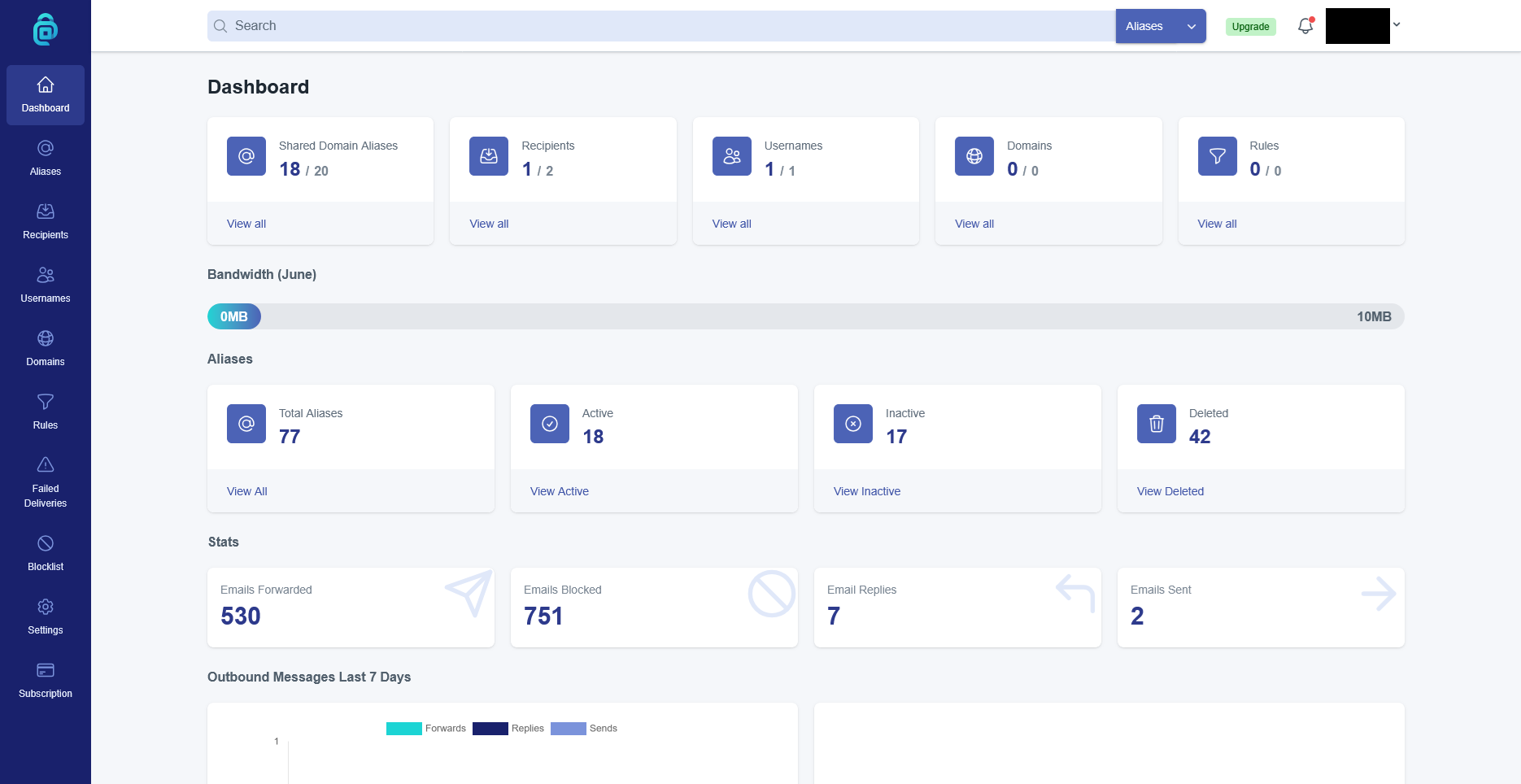
Addy.io - formerly known as AnonAddy - is one of the veteran email aliasing services in the privacy community. Addy.io is primarily best for people who don't send or receive a lot of emails and are on a tight budget.
Addy.io offers 3 plans: Free, Lite, and Pro. The Free plan can only receive emails and has a bandwidth limit of 10MB/month, which is about 140 emails according to their FAQ. The Free plan could be good for managing things like newsletters or notifications you don't need to reply to.
The Lite plan is currently $1/month (billed yearly) and has a bandwidth limit of 100MB or roughly 1,400 emails according to their FAQ. This would probably be ideal for people who don't rely on email a lot but need to reply occasionally or want a little more breathing room with the bandwidth limitations.
The Pro plan is currently $3/month (billed yearly, $4/monthly) and removes bandwidth limitations. Each successive tier unlocks more features such as additional domains, custom domains, and more.
One interesting advantage to going with Addy.io is that recently they started collaborating with several other privacy services to offer discounts to new users. At the time of this writing, that includes note-taking app Notesnook, Windscribe VPN, Kagi Search, Tuta Mail, and data removal service EasyOptOuts.
This is great for users who are new to privacy to be able to test out several other highly-reputable services at an introductory (sometimes permanent) price. This is especially useful if you're the kind of person who prefers not to use an ecosystem for any reason, such as compartmentalization or just going with services who focus on doing one thing really well.
You can check out the list of Addy.io collaborators and get more information on Addy.io themselves here:
MailX
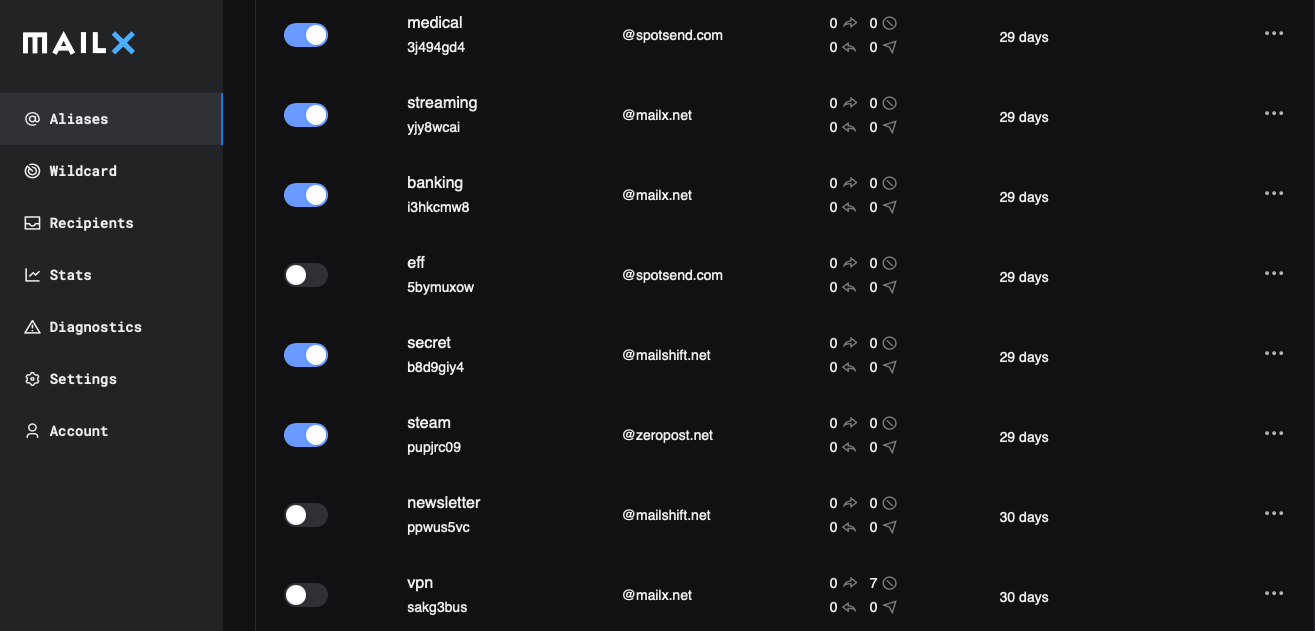
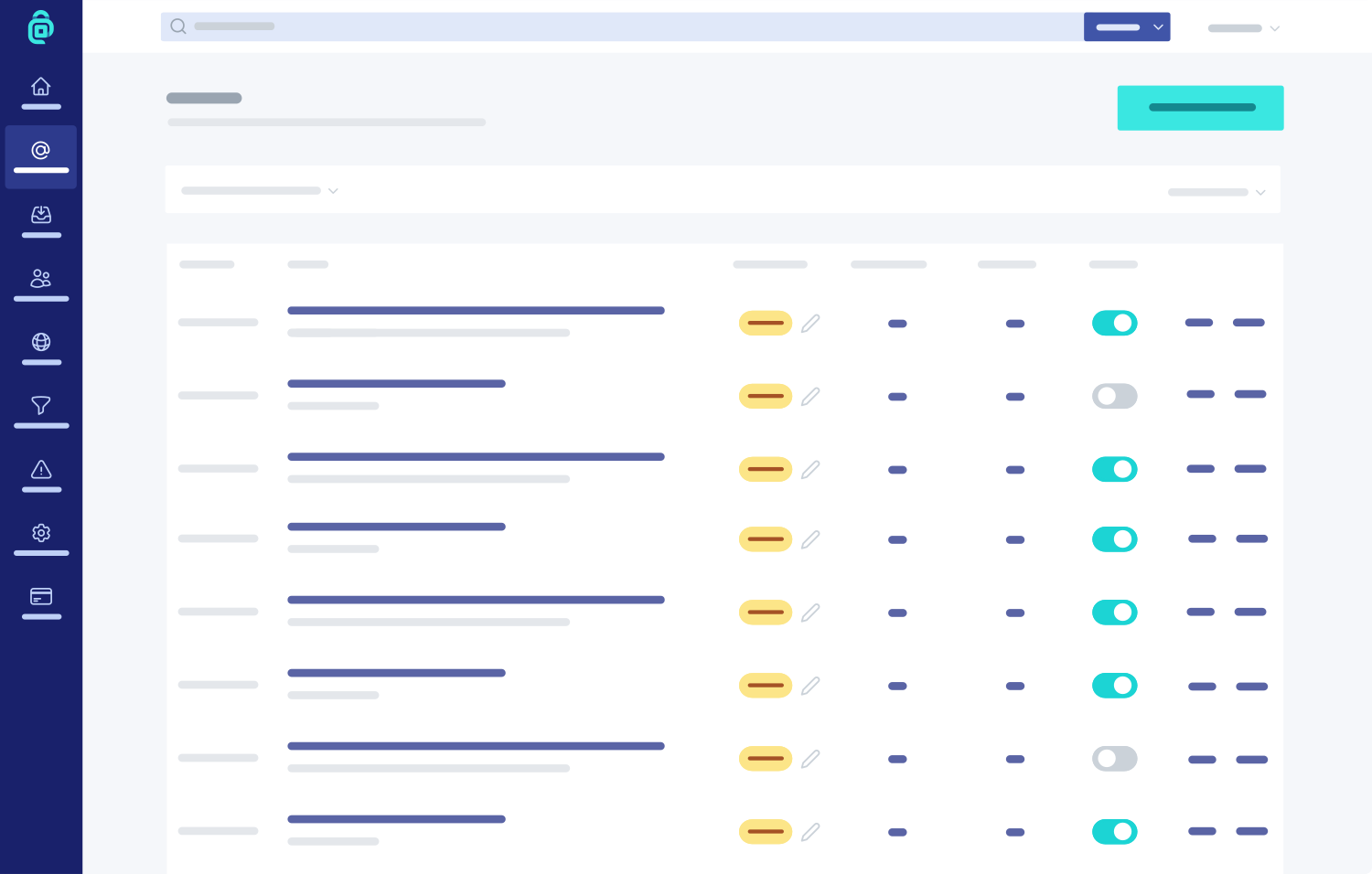
MailX is one of the newest entries on this list, recently debuted to the public from IVPN.
MailX is a bit different from the other entries on this list in that it isn't a standalone product. You have to pay for IVPN Plus or Pro Suite to unlock it. If you are an IVPN user, however, then MailX functions as a standalone product with it's own login, interface, and more.
MailX's strength lies in the suite of other products included with IVPN plans. In addition to being a solid VPN with good features, IVPN Plus offers a customizable DNS dashboard where you can view and block connections from your devices (similar to services like NextDNS, Rethink, or Pi-hole).
Furthermore, IVPN Pro Suite offers Portmaster Pro, which includes the Safing Privacy Network, which is an attempt to reimagine VPNs from the ground up but is only available on Windows and Linux at this time.
MailX is ideal for people who are already IVPN subscribers as it is probably included in your plan and includes several other extremely useful tools. You can learn more here:

SimpleLogin
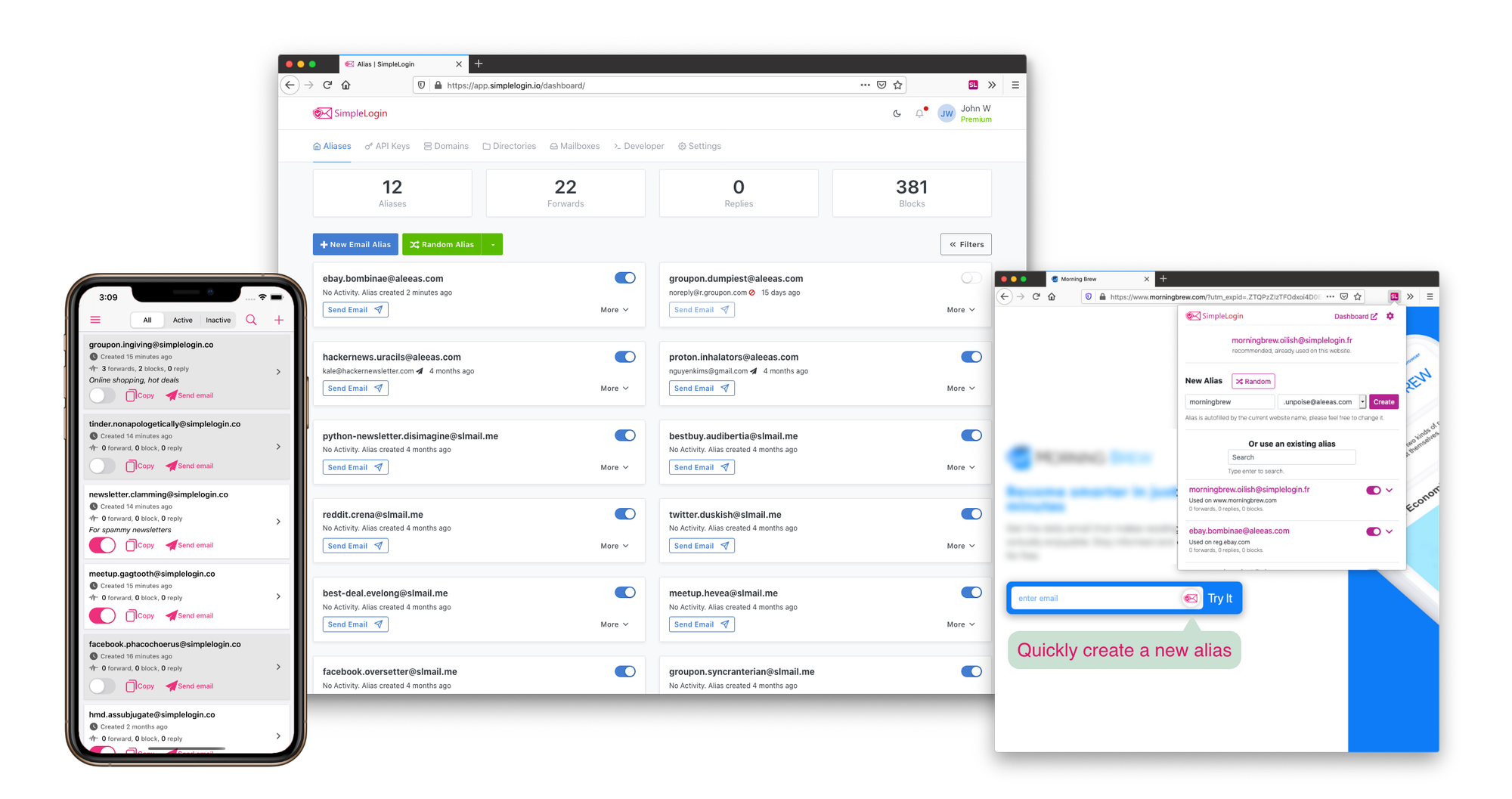
SimpleLogin is another privacy community veteran and common choice.
SimpleLogin's free plan is more restrictive than Addy.io in that you can only make ten aliases, but you can reply to those aliases, so this one might make more sense for people on a budget who need to be able to reply to an email and are willing to get creative with how they deploy and compartmentalize their aliases.
SimpleLogin Premium ($3/month billed annually or $4/monthly) is an attractive option because it's virtually unlimited: unlimited custom domains, unlimited send/receive (unlike Addy.io's $200/day), unlimited recipients, etc.
Where SimpleLogin really shines is the integration with Proton Mail. SimpleLogin was acquired by Proton in 2022, and is now integrated with Proton Pass. SimpleLogin Premium is included in several paid Proton plans including Unlimited, Duo, Family, and Pass Plus.
SimpleLogin is ideal for Proton users or people who want an integrated ecosystem, unless you're already a Proton user and would prefer not to put all your eggs in one basket. You can learn more here:
 Techlore
Honorable Mentions
There a few other providers that are popular with other privacy enthusiasts for a variety of reasons, and thus warrant a mention for those wondering how they compare. I would recommend one of the above services for you to check out first, but if for some reason those don't fit your needs, you could consider one of these.
AdGuard Mail
AdGuard is a well-reputed company in the business of ad blocking with a variety of services, both free and paid. They have an ad-blocking app for mobile devices that can help reduce the telemetry from proprietary apps (as well as block ads in Safari on iOS), and a free public DNS you can use to help cut down on ads in certain smart devices (we use it on our TVs), as well as many other services.
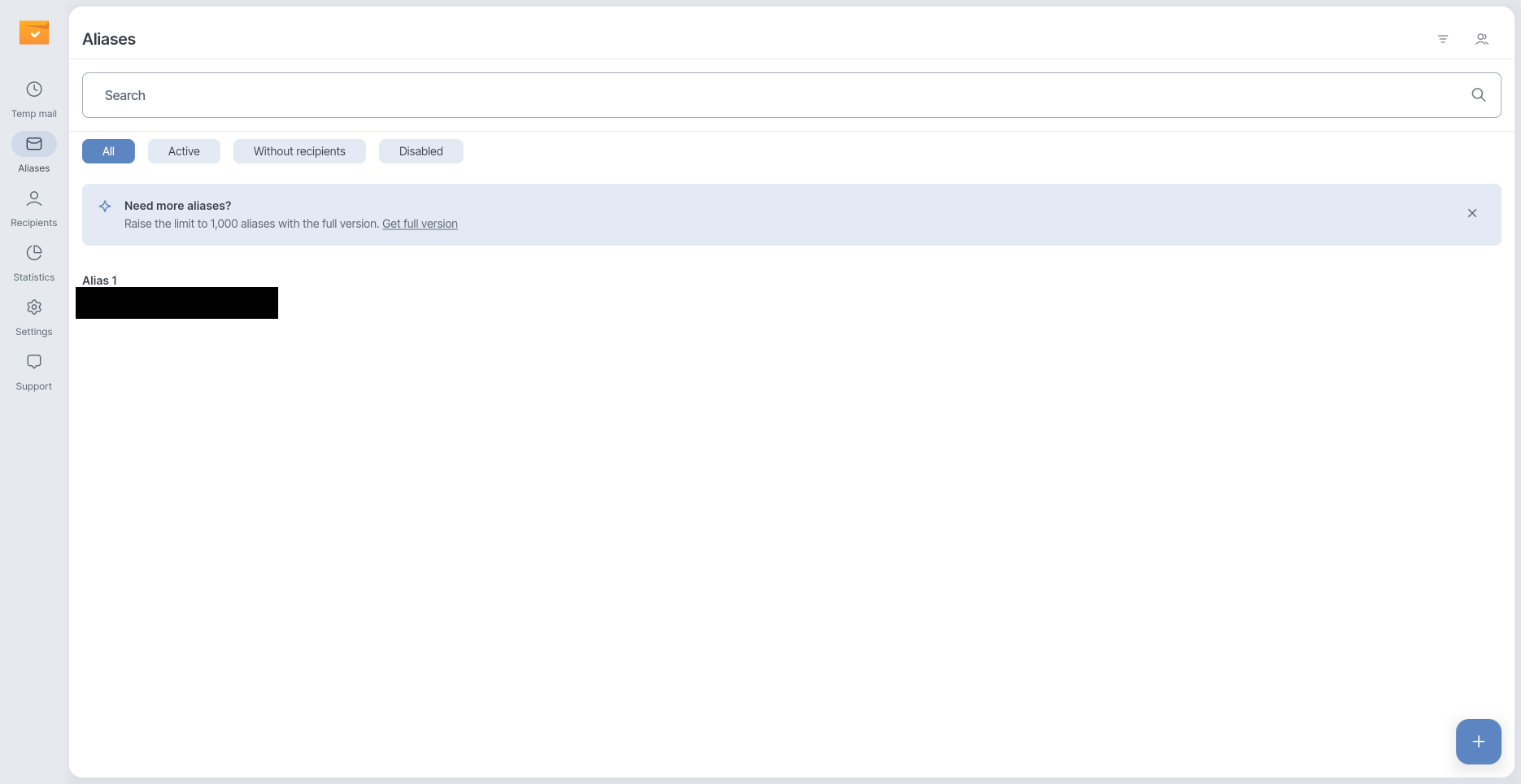
AdGuard Mail is relatively new and is considered an "honorable mention" because you can't initiate an email from an alias. However, it does have the advantage of having temporary email functionality built right into the service, making it a convenient option for those who do make frequent use of such services.
DuckDuckGo Email Protection
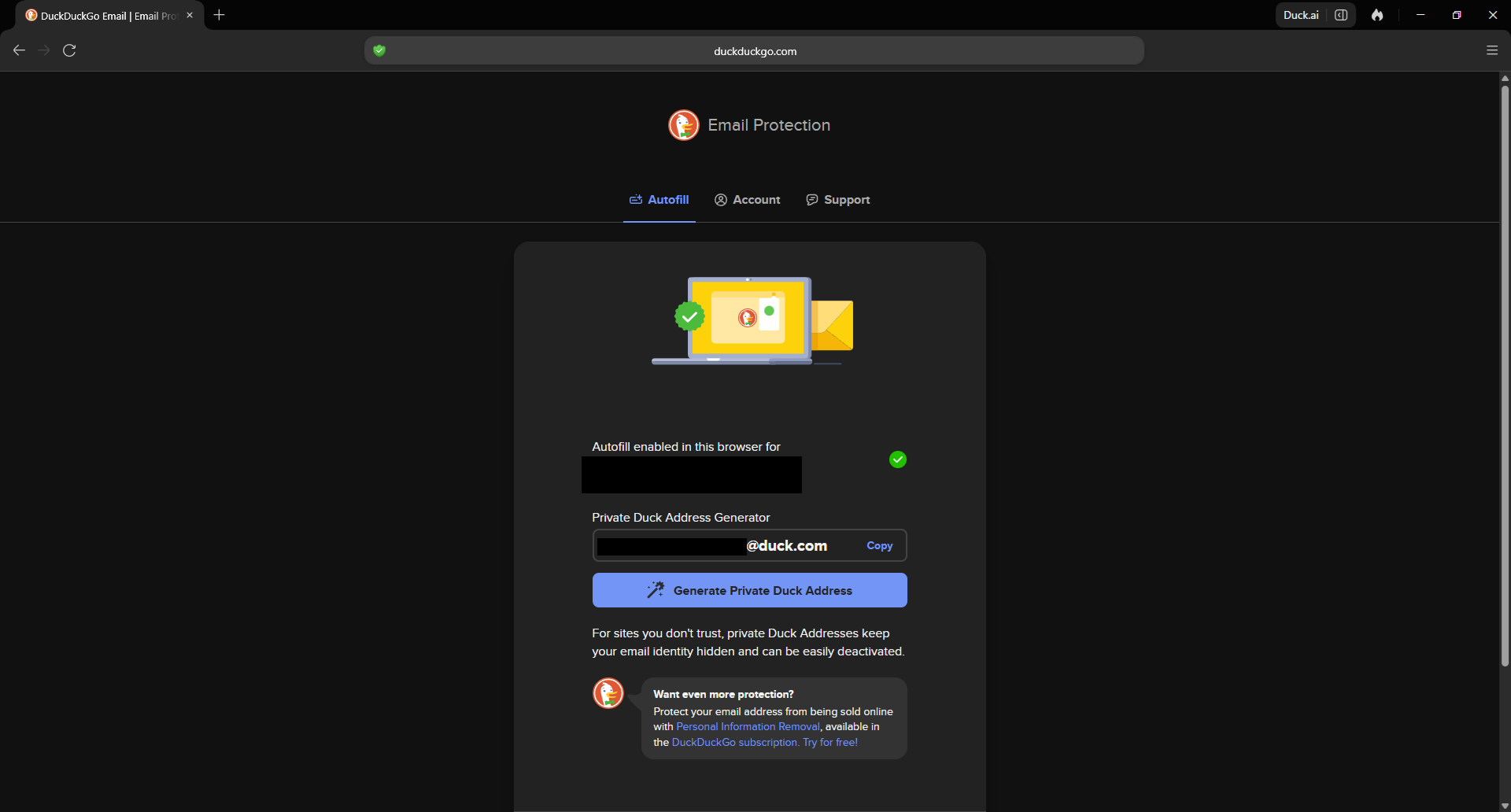
Popular metasearch engine DuckDuckGo offers a lot of privacy products including a browser, VPN, data removal service, and more. Personally I find their email aliasing service obtuse to use, requiring the use of either their browser or web extension (I was unable to get the web extension to work and had to download the browser). Even then, your control over your aliases is extremely limited compared to Addy, MailX, or SimpleLogin. If you're already deep in the DuckDuckGo ecosystem you might find this option appealing and already integrated into workflow, but pretty much everyone else will likely find it restrictive.
Firefox Relay
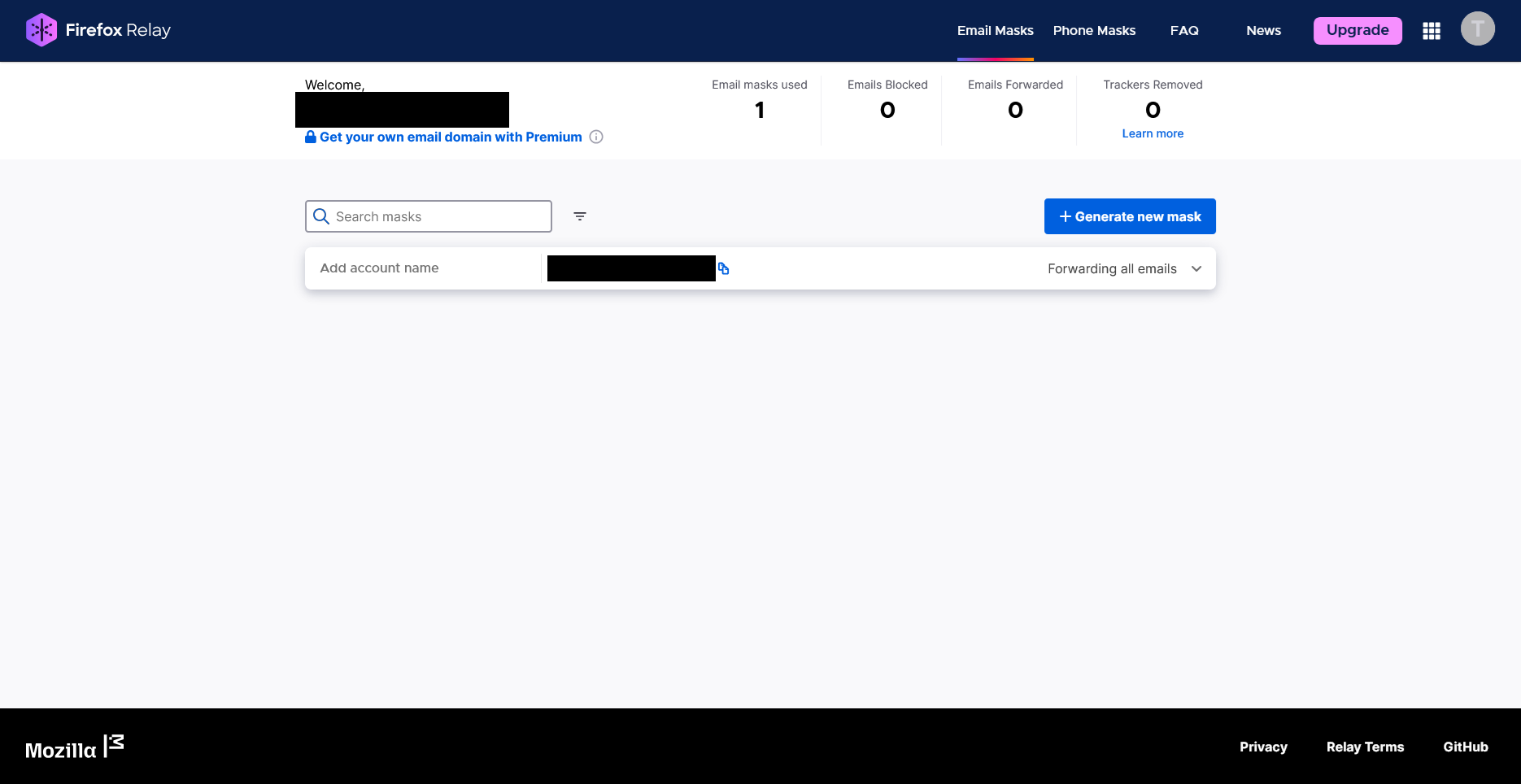
Firefox Relay is popular among Mozilla users, and has the advantage of including an alias phone number on more expensive tiers. However, Firefox Relay also does not allow you to initiate new emails from an alias, and I'm told the phone number only allows you to text reply to the most recent message you received, making its usability limited for most people most likely. Still, the phone number might be the stand-out appeal for some.
The New Oil is supported by our audience. If you're getting value out of our work, please consider supporting us. (It gets rid of this banner!)
Other Options
There are even more options that I'm sure some of my readers will think of or ask about reading this. Let me address them all at once.
For starters, I don't recommend using an email provider's built-in aliasing service if they offer such a feature. It locks you into that provider and makes it harder to move away if you ever want to in the future for any reason. This includes Proton, Tuta, StartMail, Apple "Hide My Email," and pretty much any other paid plan with custom aliases.
It's also worth noting that in most cases the aliasing feature is locked behind a higher-paid tier that costs significantly more than even the highest paid plans from Addy or SimpleLogin. Typically the way it works is that you add a custom domain and then add as many email addresses with that domain as you want. Unless you plan to use the other features included in such a plan, it's probably not worth the cost for this one feature, which can be replicated more economically.
To be clear: I do think you should use a custom domain, but I think you'd be better off applying it to a service like Addy, MailX, or SimpleLogin where you can easily change the recipient inbox with a few clicks on all your aliases at once. This is a much less expensive and more flexible workaround. Having a custom domain still offers maximum flexibility.
For StartMail specifically, I want to note that their security is inferior to providers I recommend like Proton or Tuta. To oversimplify: they prioritize usability and convenience over security and thus have decided to make tradeoffs accordingly. They basically manage your keys and your vault is only truly encrypted in a "zero-knowledge" way in specific circumstances. They promise not to scan your emails for advertising and to require warrants for law enforcement access, but the technical safeguards aren't as strong as other providers.
In the case of Apple "Hide My Email," I am strongly in favor of moving away from reliance on Big Tech companies. While Apple probably has the best privacy of any Big Tech company in my opinion, it still leaves a lot to be desired especially compared with privacy-first companies.
Finally, I want to note that Proton supports aliasing directly the same way that Gmail does (using things like punctuation in your email address). Once again, I find this strategy to be extremely limited and rigid compared to the feature set of a dedicated email aliasing provider.
If you're not using email aliasing yet, I strongly encourage you to check one of the options listed here and give it a try. You may be surprised at what a major change it makes: the way it reduces spam, cleans up your inbox, and helps with privacy. It's time to reclaim your email.
Tech changes fast, so be sure to check out our website for all the latest recommendations, tools, services, and more.


