

In the past when I've written these annual blog posts, I've focused on things like using payment masking to avoid getting your card stolen, email aliasing to avoid spam, and securing your accounts against data breaches. But things have changed dramatically in the last few years.
While those are still important (and will get a mention), this year the main threat to safe online shopping is AI-powered scams.
According to GlobeNewswire, a new fake store pops up every 3 minutes, thanks to AI.
Hosting and throwing together a website has always been cheap and easy, but AI has made it even easier and faster to throw together a quality-looking storefront. It doesn't even have to be good - it just has to be good enough to scam some people before it gets caught and taken down.
In the 2025 holiday season, Americans lost over $503 million to non-delivery and non-payment scams. That's an average of just under $9,000 per person from only two types.
 Axis Intelligence Research
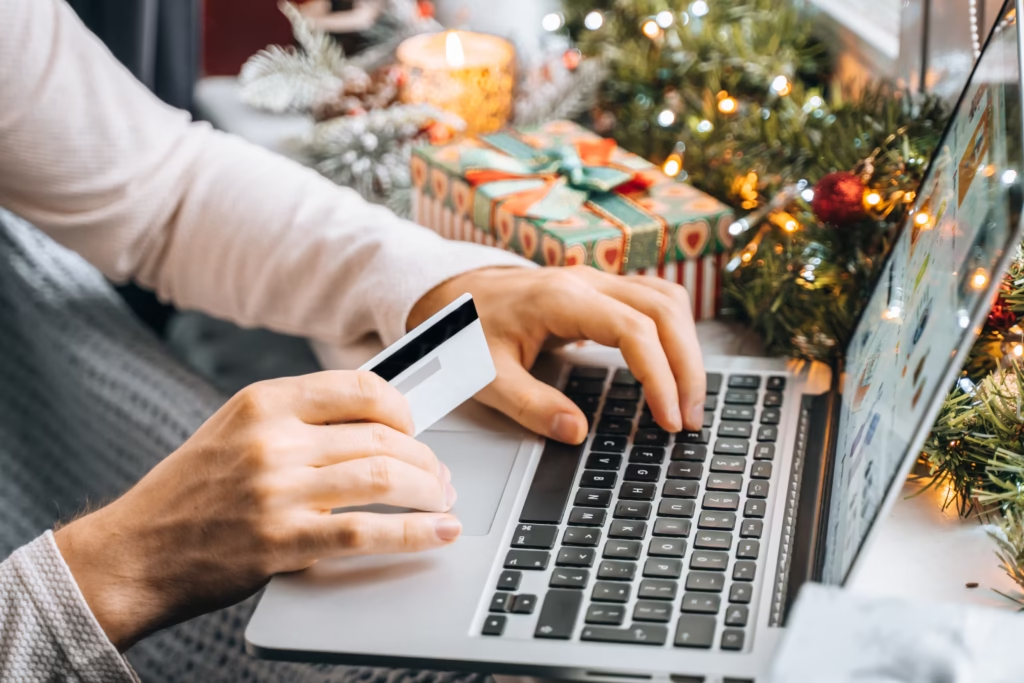
With inflation at an unusually high 3.7% in America (and in the 4% range worldwide), people everywhere are doing their best to make every penny count.
So this year, let's discuss not only the tried-and-true ways of protecting yourself as you venture out to find that perfect gift, but also how to defend against this new wave of threats.
Defending Against AI-Powered Scams
Blocking Ads
Let's start our defense with blocking ads.
Ads are more than just annoying. Malicious advertising - or malvertising - has become such a serious threat that even the FBI now recommends using an ad-blocker as a basic cybersecurity tool.
 Zack Whittaker
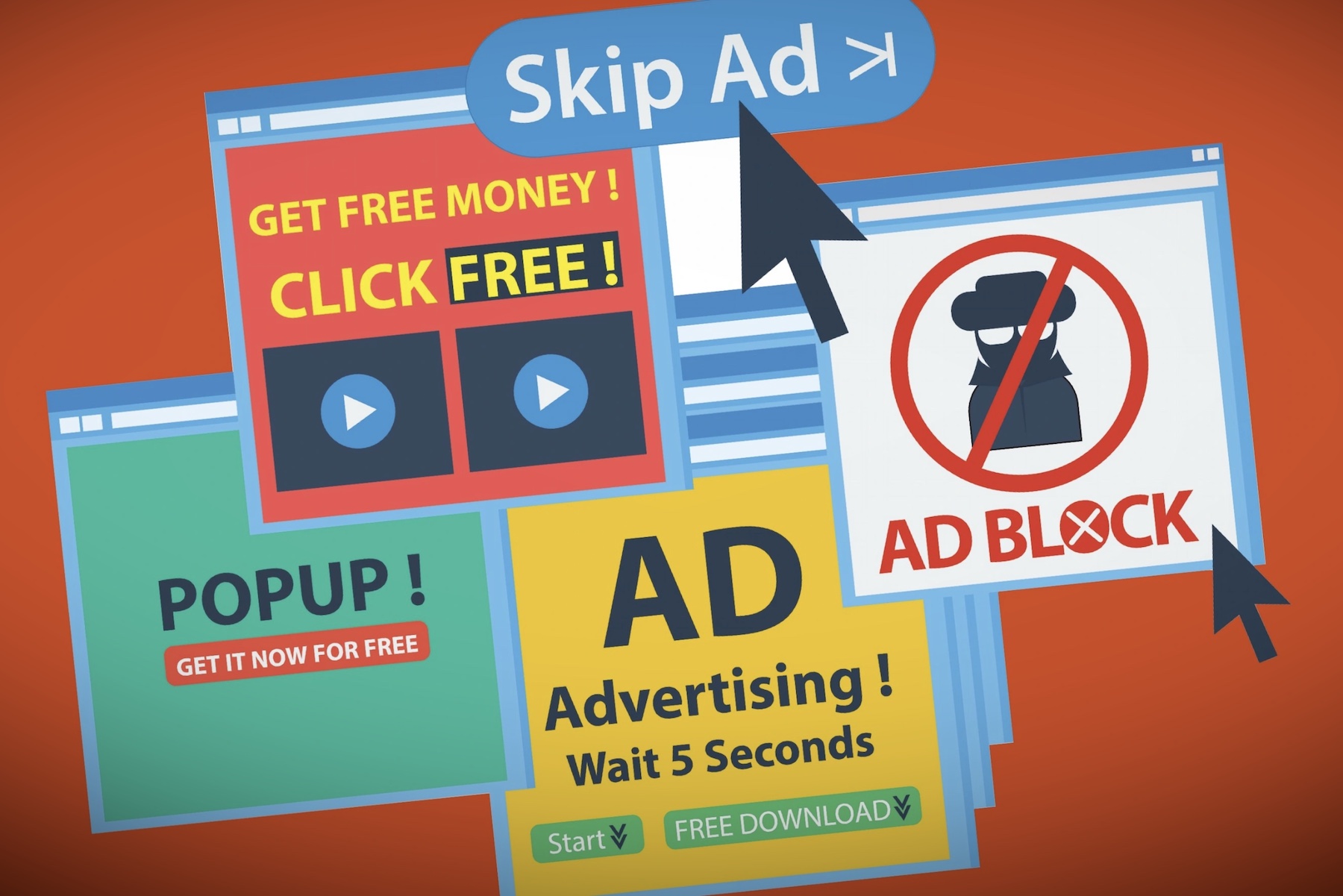
If you're wondering how these are related: a common scam is to run ads for a popular product or service but direct to a fake site where scammers can steal your card info or deliver a fake version of a popular software injected with a virus, which can in turn steal data like passwords and bank info.
 SafeBrowz Threat Research
My favorite ad-blocker is the browser extension uBlock Origin, but you can also switch to the Brave Browser, which features a powerful built-in ad-blocker.
Influencers
Of course, there's another kind of advertising that rarely looks like advertising: influencers.
Most of us are probably familiar with the YouTube video that pauses in the middle of sharing the Top 10 Most Convincing Bigfoot Footage to tell you about Nord VPN, but many people are unaware that an influencer telling you about an awesome product that changed their life is usually being paid for that video, which purposely looks like an honest review and not an ad.
One source says that up to 80% of influencers don't disclose when their content is a paid ad, despite being legally required to.
You should always take any influencer with a grain of salt - and yes, that includes me. Find other reputable content creators, forums, and sources where you can get additional input. Even if we creators are above board (which I'd like to think I am) we're still human with our individual, biased perspectives. In that context, other opinions can be very helpful.
Of course, this assumes the influencer you're following is even a real person. AI has gotten so good now that there are influencers who are 100% AI - the script, the video, everything.
They're essentially high-tech advertising companies: their sole purpose is to garner an audience, gain trust, and then hawk products to get the person or team behind them paid.
Once again though, these rarely look like traditional ads, instead masquerading as a real person wanting to do you a solid by letting you know about these cool products that made their life better, all for purely altruistic reasons.
Emails
You may already know to be wary of emails.
Needless to say, the first red flag should be if you receive an email for a newsletter or brand you didn't sign up for. "Black Friday Deals at eBay" when you you've never used eBay should be a dead giveaway.
Even if it is a site you use, always check the "from" field to make sure it's official. A lot of scams are intentionally lazy to weed out people unlikely to fall for them right off the bat, saving the scammer time. A 5-second glance can save you time, too.
If you look at the "from" field of an email, it's often something very obviously fake like "random.name@gmail.com" or "deals@bizz-haven.ru," etc.
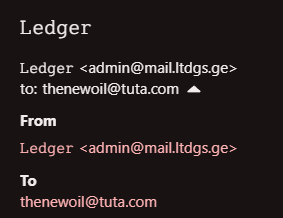
Finally, even if the email you received is 100% legitimate it's still a recommended best practice to go straight to the website instead of clicking any links in the email. Usually if you read closely, there's a code you can use at checkout in lieu of clicking the link or the discount is automatically applied. Do that instead, just to be safe.
Verifying Domains
Let's say you've followed my advice to block ads and be cautious of influencers, but you've found a site that has something you want at a great price and you're unsure if you should trust it.
First off, the most obvious red flag is "if it's too good to be true, it probably is." If a website is promising items at an unrealistic discount, something is almost certainly off and I'd highly recommend you to just err on the side of caution and pay a little extra somewhere else.
Assuming that's not the case, here's a few additional ways you can verify if a domain is probably safe or not.
The first and quickest thing to check is the domain itself. Legitimate brands, stores, and apps strive for easy, simple-to-remember domain names - Amazon, Depop, Mercari, Swappa, etc.
If a website uses domains that aren't easy to remember, that's a red flag. Additionally, if they use unusual TLDs such as .shop, .biz, or pretty much anything other than .com (sometimes .net or .org), that's also a red flag. Specific keywords in the domain like "outlet," "sale," or "clearance" are also red flags.
So some made-up examples could be "amazon-deals.biz" or "bestoutletsales.shop." These domains (if they exist) are almost certainly scams.
Subdomains can also be suspect with one exception: many brands will use something like "shop.brand.tld" or "store.brand.tld," especially if their store is just one part of the bigger brand. For example, Privacy Guides has a merch store where you can support them and pick up some swag at the same time at shop.privacyguides.org.

Disclaimer: I work full-time for Privacy Guides, but it's still a good example.
If you're comfortable doing so, you can use any Whois Lookup tool to check when a domain was created. If it was created less than 6 months ago, there's a really good chance it's a scam.
Don't Trust - Verify
Of course, there are other common ways to verify various apps and websites such as checking around online for reviews or to see if anyone is even talking about them (if you can't find any mentions of a service online, that's a red flag).
However, it's also important to be aware of astroturfing:
Organized activity that is intended to create a false impression of a widespread, spontaneously arising, grassroots movement in support of or in opposition to something (such as a political policy) but that is in reality initiated and controlled by a concealed group or organization (such as a corporation)
- Merriam Webster
While this practice has existed for years, in the past it was often clunky - either real people had to spend their precious work time shilling a product and trying to tip the scales, or bots were easily identified. These days, AI has made it increasingly difficult to tell the difference between a person you simply disagree with and a bot account.
Likewise, search engine optimization (SEO) has also taken on a new angle powered by AI.
In the past, websites would try to jam as many "keywords" as possible into their text in hopes of appearing high in search results. Less reputable sites and brands often pay websites for "guest posts" and "do follow links," knowing that one method (among many) used by search engines to judge a site's reputation is how many other sites link back to it.
These days, SEO has largely shifted to the AI summaries. A new job field consists of helping companies optimize their site and content to get scraped up by AI and appear in search summaries, chatbot conversations, and more.
All this is to say: don't trust AI summaries or conversations, and take online forums like Reddit with a huge grain of salt. You never know if that person on the other end is a genuine fanboy who was really impressed with the product, or a bot/paid shill.
 David Nield
The New Oil is supported by our audience. If you're getting value out of our work, please consider supporting us. (It gets rid of this banner and you get most posts a week early!)
Traditional Defenses
Now that we've discussed how to defend against AI-powered scams, it's important not to overlook the importance of the basic, foundational, tried-and-true defenses.
To begin with, I recommend you shop in person (with cash) whenever possible. This has countless benefits:
- Avoid all the cybersecurity risks to begin with
- Save money on shipping
- Get the item faster
- If you live with others, avoid worrying about them getting the package before you do, ruining the surprise
- Cash specifically offers:
- Privacy
- Avoid the transaction on a shared bank account (again, for the surprise)
- Avoid debt
- Avoid trusting an additional party (see next tip about payment masking services)
However, these days, there are numerous perks to online shopping. You can avoid the crowds, get exactly the item you want, and easily compare lots of prices. Here are some tools you can use to maximize your privacy and safety while taking advantage of the best online deals:
- Payment masking services. While credit cards offer benefits (such as rewards points or purchase protections), the astronomical rise in data breaches makes online payments risky. Instead, I recommend using services like Privacy.com, Halocard, MySudo, Cloaked, or Revolut. These services give you virtual cards to use online, making damage control much easier through a variety of methods such as locking to the vendor or putting spending limits on the card (or simply compartmentalizing to make replacing a stolen card less painful). Some banks offer virtual cards natively (such as Capital One) and there's always gift cards for places where payment masking services aren't available.
- Alias email addresses. Email aliasing services are becoming increasingly popular. These are services that generate unique email addresses that forward emails to your primary inbox of choice. By using a different alias email address for each site, you maintain convenience while preserving privacy and making it easier to defend against spam - if the company won't respect opt-outs, sells your email address, or suffers a data breach, you can easily disable the alias after your item arrives and the spam goes away for good. There are also security advantages such as defending against credential stuffing. My top recommendations for providers are Addy.io, MailX, and SimpleLogin but there are additional reputable providers like AdGuard, DuckDuckGo, and Firefox.
- Secure your accounts. If you don't "check out as guest" for any number of reasons, be sure to use a password manager to generate and securely store strong passwords & use two-factor authentication (2FA) on all your accounts. This will prevent attackers from accessing your accounts where they can then do things like buy stuff using your stored card, sell access to your account to others, or use the information in your account to attempt further scams.
- Use a PO Box. PO Boxes can serve tons of great purposes that you didn’t even know you needed. For starters, your packages won’t sit unguarded on your porch while you’re at work. You also don’t have to worry about some stranger on the internet getting your home address and using to scam or harass you, whether that’s the random seller on Etsy, the rogue employee at Amazon, your online community, or cybercriminals in a data breach. Even better, PO Boxes are usually very inexpensive (starting at about $20/year in most places in my experience).
A Final Word of Wisdom
As a privacy enthusiast, one of the big ironies to me is that so many privacy tips and tools are applicable in a wide range of contexts. While these specific tips and tricks are helpful for holiday shopping, they're also useful year-round.
- Studies show the average person has over 100 online accounts, all of which are susceptible to data breaches and cybercriminals. Password managers and 2FA are free, easy-to-use tools that can protect you and (surprisingly) make your life easier year-round.
- Payment masking services can be used year-round on nearly all online payment portals. This has personally protected me from data breaches on multiple occasions, but can also be used for things like defending against streaming price hikes you didn't hear about, free trials you forgot about, or a kid accidentally overspending in an online game.
- Ad-blockers provide year-round protection against scam websites, while also making the internet an exponentially more enjoyable experience and dramatically boosting your privacy.
I hope you'll adopt these tools during the holiday shopping season and use that as a test run to realize how much value they can actually bring to your day-to-day life and then continue using them into 2027 and beyond.
Tech changes fast, so be sure to check out our website for all the latest recommendations, tools, services, and more.


