The Best Password Managers In 2026

Usually in the new year, I try to publish a few "back to the basics" blog posts, and there are few things that could be more fundamental than using a password manager.
Many experts agree that strong, unique passwords remain the best, easiest, first line of defense against cyber threats. As with most tech products, there's a wealth of choices to pick from. Fortunately there's only a few you need to consider.
Table of Contents
About Password Managers
What is a Password Manager?
A password manager is a program or service that allows you to store website login information such as username, password, and other data in a secure format commonly called a "vault." Your vault is stored in an encrypted format so that nobody can access it except for you.
A password manager can also be used to generate secure passwords so that you don't have to come up with them yourself and to "autofill" the login fields on a website, which can be a helpful line of defense against phishing attacks.
Why Do I Need One?
A "strong" password is considered to be 16 or more randomly generated characters consisting of upper and lower case letters, numbers, and special characters, such as pmi^C@Yn2D!iTw8f. Furthermore, experts recommend not reusing passwords anywhere. Since the average person has over 250 accounts that require passwords, it's simply unrealistic to expect a person to remember them all.
Of course, you could just write all your passwords down in a notebook (and you're welcome to if that works for you), but there's a number of drawbacks to this:
- Inconvenience: One nice thing about password managers is that you can easily copy & paste a password into a field. With a physical notebook, you'll have to manually type in that long password every time, risking typos along the way.
- Lack of portability: When leaving the home - whether for a few hours or an extended trip - you only have so much physical space to carry things that must be prioritized. For most people this means - at minimum - wallet, keys, and phone but could also include headphones, sunglasses, multitools, and more. Adding a physical notebook is just one more thing to find a space for and keep track of. On that note:
- Lack of security: There are a million ways having a physical notebook could go wrong. Your home could be destroyed, you could get robbed, you might accidentally throw it away or lose it in transit somewhere, etc. If you woke up in the middle of the night to a house fire, you'll probably have the presence of mind to grab your phone and call 9-1-1. You may not think to grab your notebook of passwords.
- Difficulty to backup/update: You could, of course, mitigate some of the above risks (fire, loss, etc) by creating a backup of your notebook and storing it in a safe place, but now you'll need to manage that backup manually and all the physical logistics that come with it, including adding new accounts and updating changed passwords.
- Lack of truly random passwords: An under-discussed risk is the fact that humans are actually really bad at being random. We often have unconscious biases toward certain numbers, words, letters, and pretty much everything else you can imagine. So randomly generating your own passwords probably isn't as random as letting a computer do it, and randomness is a huge part of a secure password.
Are They Safe to Use?
Given that you're trusting your entire digital keys to a password manager, this is a fair question to ask. The short answer is "these ones here are." Here's why:
- Three of the four listed here are "source available." This means that the source code is published publicly for anyone to look at it and find bugs or vulnerabilities that can be reported and fixed.
- All of the ones listed here have been "audited" - that is, the code was professionally reviewed - by reputable security experts.
- All of them have demonstrated a long history of commitment to security and proactively protecting users.
- One of these options is 100% offline just in case you really don't trust your passwords being synced to the cloud, even in an encrypted format.
Avoid: LastPass
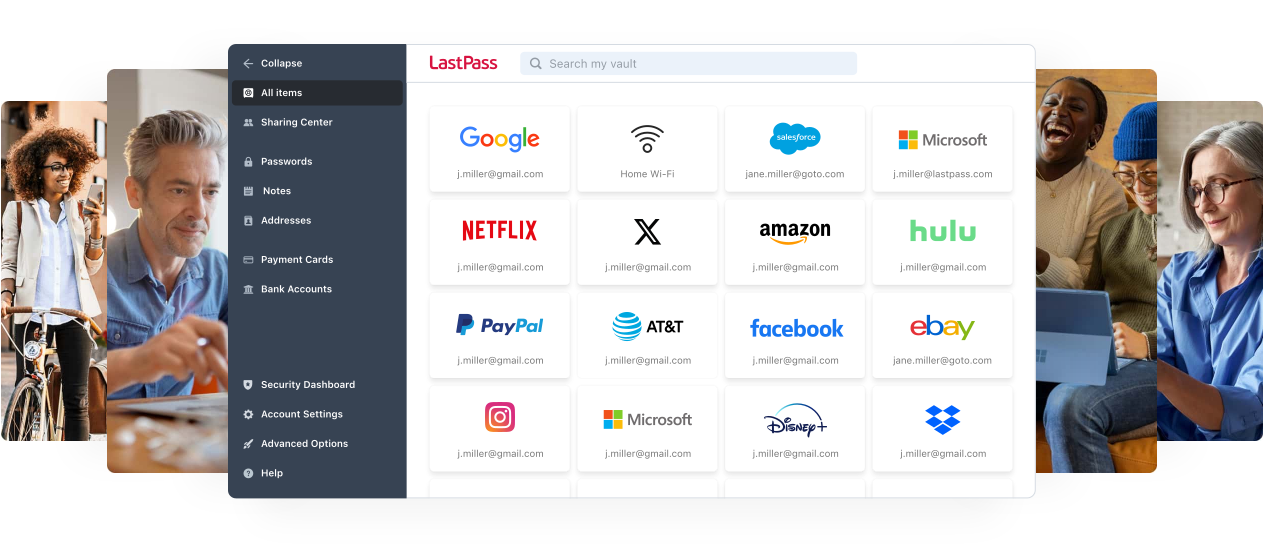
Before we begin, I have to issue a warning against LastPass. Normally I don't actively recommend against services - in most cases, doing anything will put you in a better spot than doing nothing, even if it's not a service I'd normally explicitly suggest.
LastPass, however, has proven themselves to be untrustworthy - bordering on negligent - and should be avoided at all costs. Here's a few reasons why:
- Free users have to pick between using the service on either mobile or desktop devices (aka "phone vs laptop"). While it's normal for services to place device restrictions on free users, this one is especially burdensome.
- Security breaches in 2011, 2015, and 2021, including exposing master passwords on multiple occasions.
- Undisclosed trackers in their Android app.
- The 2022 Breach. It's really hard to overstate how bad this was in scope and handling. LastPass suffered a serious breach due to poor security practices and failure to be proactive about protecting users, and then tried to sweep it all under the rug. The effects are still being felt today, more than three years later.
Whatever password manager service you go with - whether it's one of the ones here or not - please avoid LastPass.
Best Overall: Bitwarden
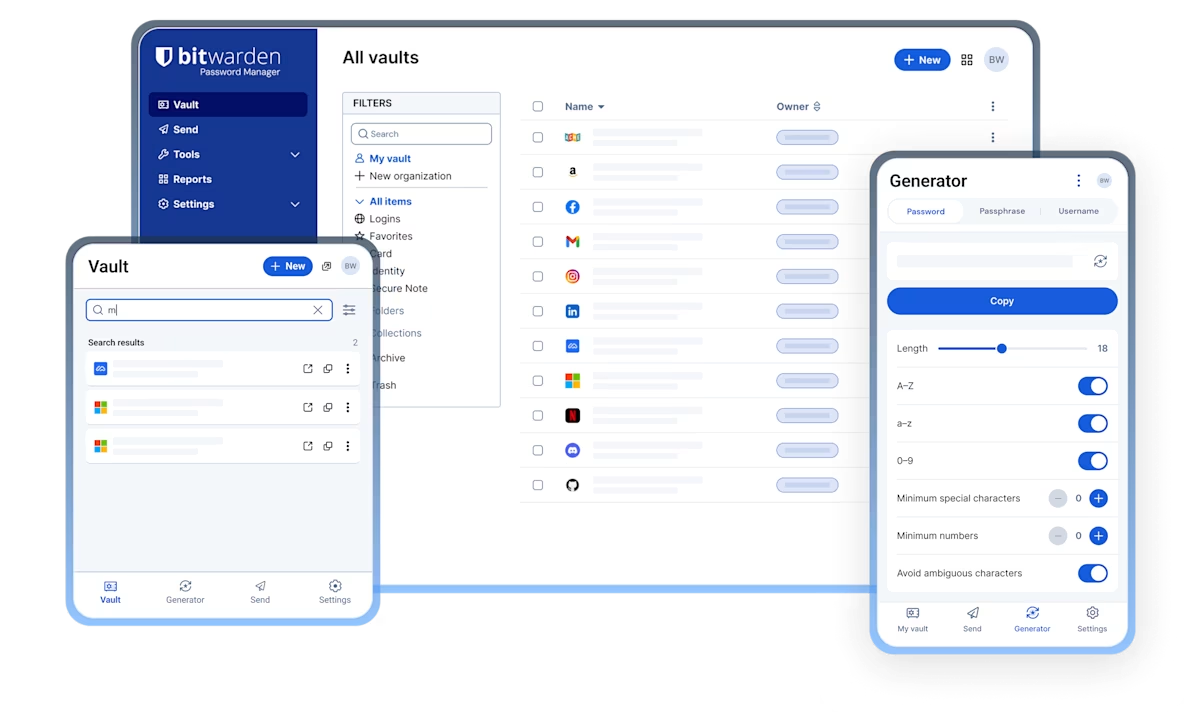
For the vast majority of people, Bitwarden is my top recommendation. Bitwarden has been around since 2016 and has been one of the best choices in the password manager market ever since. They have a strong track record of cybersecurity and privacy, even allow advanced users to selfhost their own copy for maximum data control and safety.
The top selling point for Bitwarden is their generous free plan, which should more than suffice for most users. It allows for unlimited devices, unlimited sharing with 2 other Bitwarden users, a basic file-sharing function, and an alert if any of your passwords are caught in a data breach.
Should you decide you want a few more features, Bitwarden is a mere $10/year and the paid plan includes things file attachments, like an integrated two-factor authentication (2FA) app, 2FA using a Yubikey for maximum vault security, a more comprehensive password "health" report (such as weak or reused passwords), emergency access, and more.
One thing that sets Bitwarden apart from other entries on this list (aside from price) is their email aliasing integration. Bitwarden offers integration with nearly every popular email aliasing provider in the privacy space like SimpleLogin, Addy.io, Firefox Relay, and DuckDuckGo. Given that aliasing is included in the free plan without restrictions, this - along with the price - is a powerful selling point.
Best Ecosystem: Proton Pass
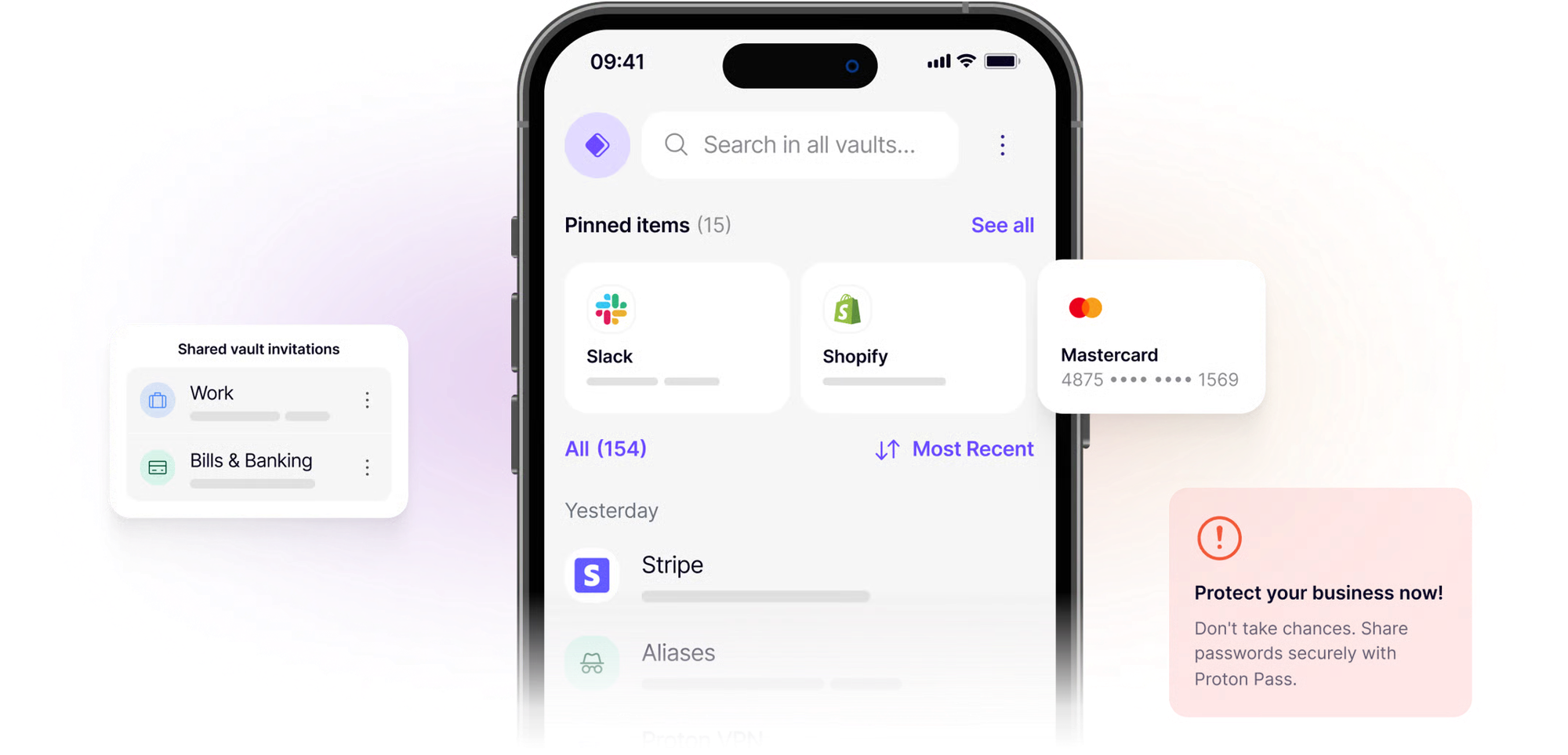
Proton Pass by itself is a great choice for a password manager, but the deal gets sweeter. In addition to all the the usual stuff you'd expect from a quality password manager, the free plan includes the ability to share with 2 other Proton Pass users, 10 alias email addresses (in an extremely user-friendly UI), file attachments, two-factor authentication (2FA) using a Yubikey for maximum security, and password health alerts to check for breached or weak passwords.
The paid plans are affordable and quickly offer a wide range of additional competitive features like file attachments, an integrated two-factor authentication (2FA) app, a more comprehensive data monitoring service that includes more than passwords, emergency access, and more.
What really sets Proton Pass apart from all the competitors though is the Proton ecosystem. Proton is like the Apple or Google of the privacy world, offering an entire suite of products that can be used in conjunction with each other or separately. This includes encrypted email, cloud storage, calendar, Docs, Sheets, 2FA app, even a VPN, Bitcoin wallet, and an AI/LLM chatbot. Again, you can ignore any products you don't want to use, but those wishing to take their privacy more seriously may find Proton an easy and effective way to take a major step toward breaking off services like Google.
The New Oil is entirely supported by our audience. If you're getting value out of our work, please consider supporting us.
Best Offline: KeePassXC
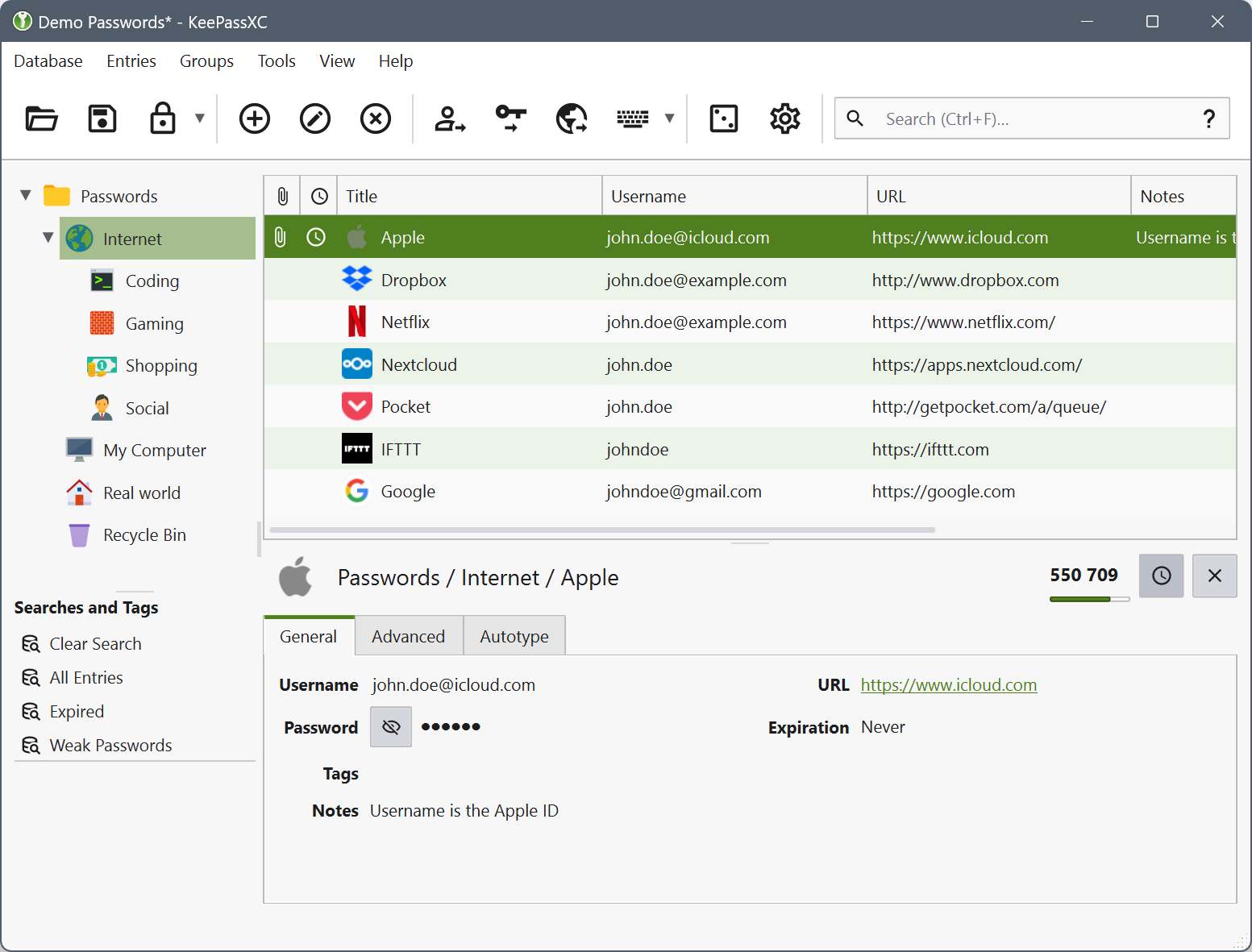
Some people are wary about putting all their passwords on the cloud, and that's pretty valid with the mind-boggling amount of data breaches that occur on a near-daily basis. While Bitwarden, Proton, and 1Password are all as reasonably secure as anything can be in today's digital world, nothing is ever 100% secure, so some users may prefer to reduce that risk even further by keeping their vaults offline.
For those users, KeePassXC is my top recommendation. The top selling point of KeePassXC (in addition to being offline) is that it is 100% free - there's no "license," subscription, or paywall of any kind. All the features are available immediately with no payment required. In fact, no account is required. Just start using it.
Another unique selling point of KeePassXC is that it's just one client. KeePassXC uses the .kdbx database format, which is also used by dozens of other "forks" of the original KeePass client. Some offer specific features or different interfaces. If you like the idea of KeePassXC but not the look or feature set, be sure to check here for any other forks on your OS of choice and see if you like those more. Be aware that KeePassXC isn't available for Android or iOS, so you'll need to check that list for mobile recommendations if you want to use it on your phone anyways (I suggest KeePassDX for Android and KeePassium for iOS).
Of course, KeePassXC - being aimed at more advanced users - comes with a considerable number of drawbacks you should be aware of. The most prominent of these is backups. Because KeePassXC is entirely offline, there is no backup copy of your vault by default. If your device breaks or gets lost or stolen and you didn't keep a current backup, you're in trouble. Likewise, if you've got a copy of your vault on both your computer and your phone and you're actively using both, it can be a logistical challenge to ensure you're keeping them in sync and keeping track of which one has updated credentials and which doesn't.
Best Features: 1Password
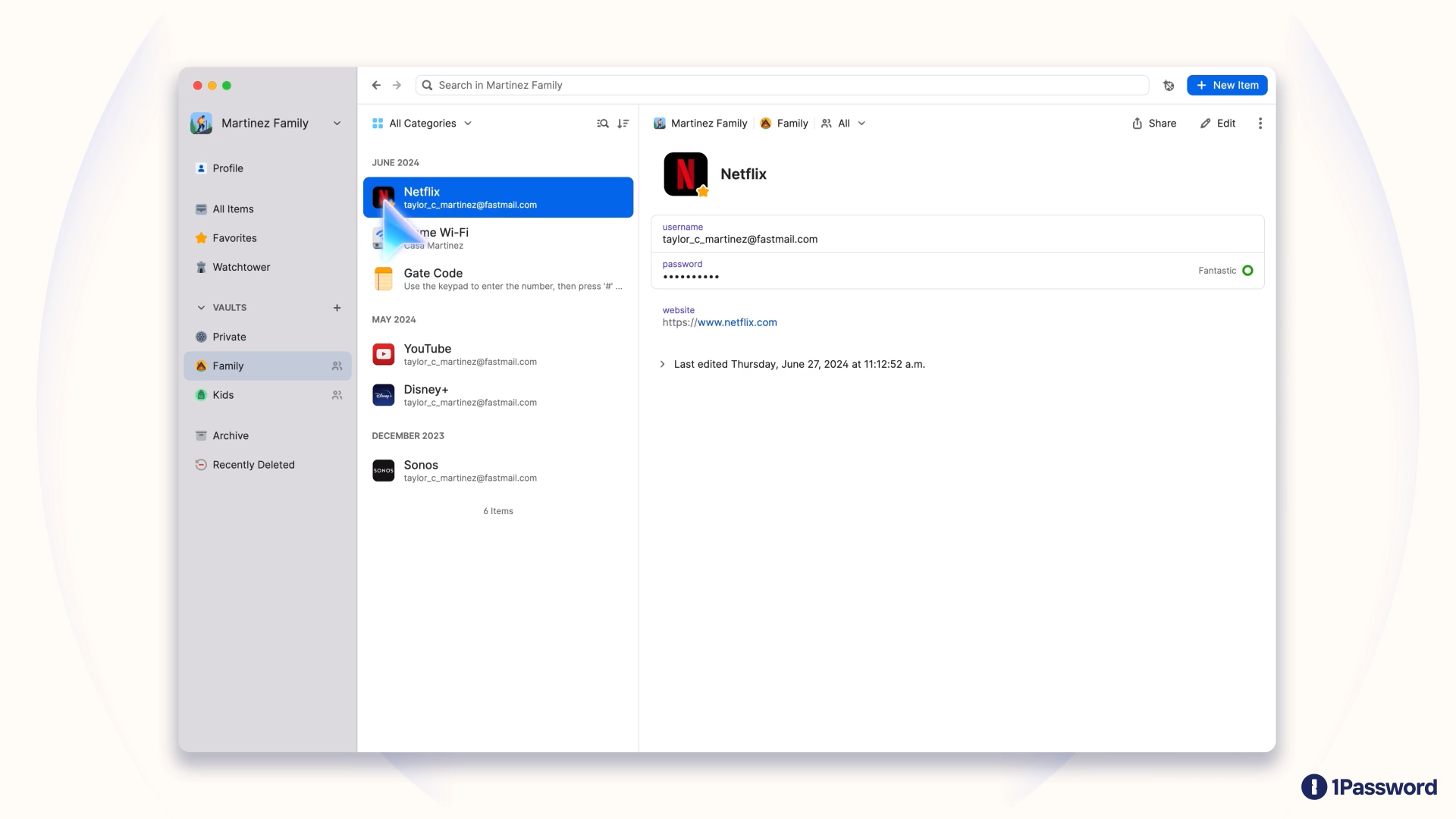
1Password is not the top service I recommend, but it's still a great choice. There's two reasons it's not my first pick. The first is that there is no free tier. That can make it a hard sell for some people, especially when most password managers do offer a free tier that meets their needs. The second is that it's not source-available. While this isn't a dealbreaker in the case of 1Password, it's hard for me to suggest it first when we already have so many other trustworthy, reputable, and polished source-available options.
Still, 1Password has several unique features worth noting. My personal favorite is the "travel mode," which hides logins from your device. The idea is that if you pass through a hostile border, you'll expose fewer of your logins to a potential search. You can "whitelist" only the logins you might need while in transit and safely hide the rest.
1Password also offers features like guest accounts (the examples they give include "your realtor who needs building access codes" or "your babysitter who needs household information like the Wi-Fi password and alarm codes") and a few behind-the-scenes security features like "two-secret key derivation" and Secure Remote Password protocol that - in all honesty - the average person probably doesn't need, but it does demonstrate a commitment to maximizing user security.
As I said, 1Password wouldn't be my first recommendation for most people, but if you have a particularly high threat model - or if none of the other options on this list are quite calling your name - then 1Password is a solid choice worth checking out.
Conclusion
Whatever you go with - whether it's one of the recommendations here or somewhere else - I cannot urge you enough to use a password manager. Humans are cartoonishly bad at passwords when left on our own. We fall back to commonly-used, easily-guessable passwords like 123456 or iloveyou or princess or some Marvel superhero when a simple, free app could save us hours of headache and risk. It's honestly baffling password managers aren't ubiquitous by now.
In recent years, there's been a big push for companies to go "passwordless." In some cases this takes the case of passkeys (all of these password managers support passkeys, by the way), in other cases it might be more like an emailing you a login link or code without asking for password. The goal is get people away from the aforementioned bad passwords. But the truth is that even with these efforts, we're still a long ways off from not needing password managers. Websites have been slow to adopt these measures, and many of them still offer the classic username/password combo as a fallback or a first line of signup.
Maybe someday we'll have a truly secure but also effortless, user-friendly, and portable way to authenticate. Until then, going through life without a password manager of any kind is like leaving your front door wide open and driving to work with your eyes closed. Hopefully this article has been eye opening.
Tech changes fast, so be sure to check out our website for all the latest recommendations, tools, services, and more.

Comments ()